Inspection report in, signed closeout letter out
After the repairs, someone always asks for the Letter of Completion. For contractors that is half an hour of unbilled paperwork; for facility managers it is a different-looking letter from every vendor. This free tool writes it from the inspection report in about a minute, so the only thing left is to check it, sign it and date it. Click through the real screens below, or press Watch it run and turn narration on.

Go to lifesafetywiki.com and click Tools in the top menu.
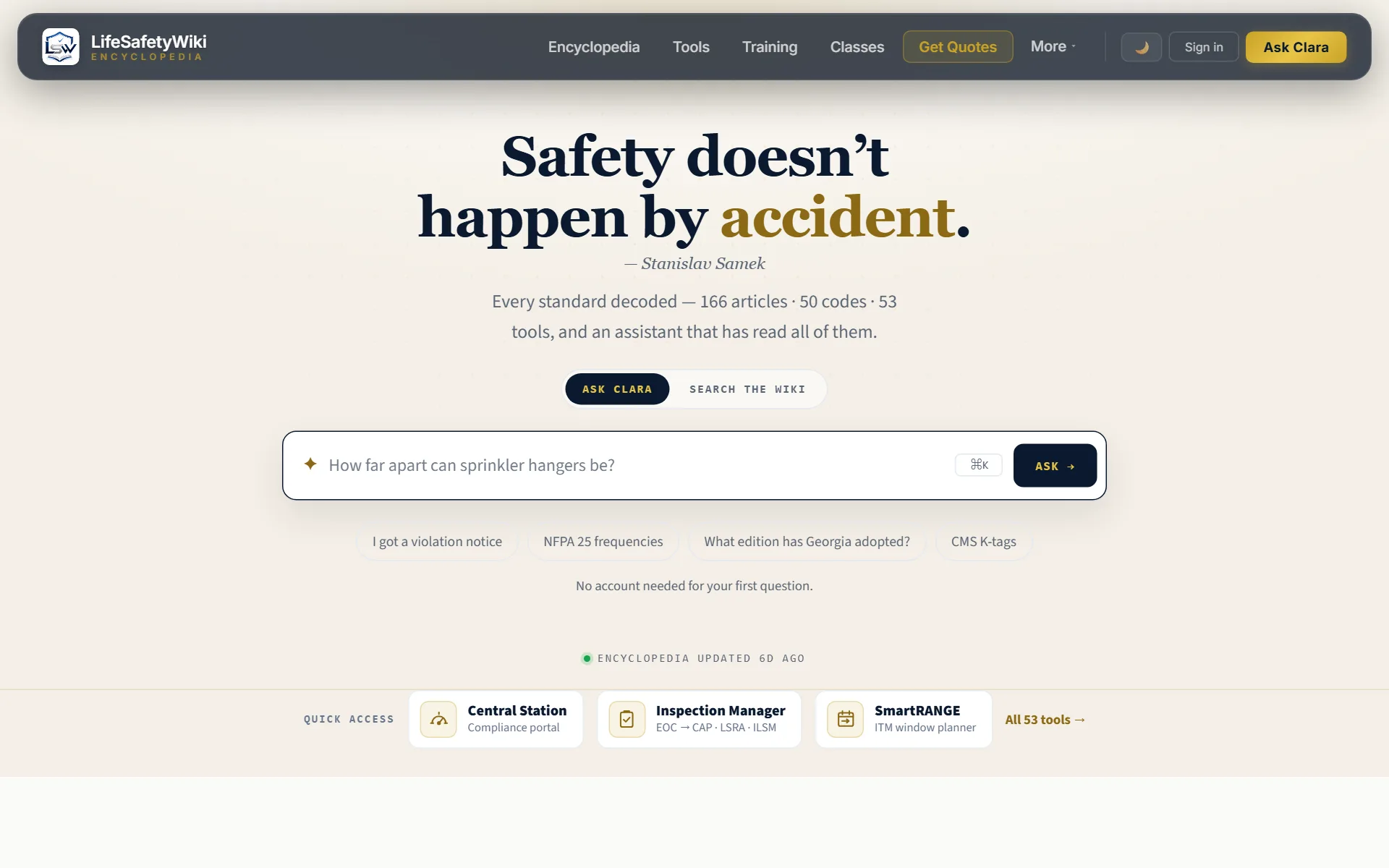
Real screenshots of the site. The report and letter use a fictional sample building and contractor. Keyboard: → next · ← back.
The same five steps, in writing
- 1Open the tool. lifesafetywiki.com → Tools → Closeout Letter (free; sign in or create an account).
- 2Upload the report. The vendor’s inspection report, PDF or Word (.docx): fire alarm, sprinkler, fire pump, standpipe, backflow, clean agent, kitchen hood, extinguishers, emergency lights, fire doors, dampers, delayed egress and access control. Scanned reports work too.
- 3Check the letter. It is written for you: system, building, contractor, every deficiency (device, ID, location, corrective action), the governing standards, the verification checklist and the certification.
- 4Adjust only if needed. Adjust details edits any row, the dates, the signer, or the standards and checklist.
- 5Download, sign, date. Download Word or print to PDF, then sign and date by hand.
Questions
Which reports does it read?
BuildingReports-style reports (FireScan, SprinklerScan, SecurityScan and the rest) are read instantly and exactly. Other layouts, Word documents and scanned reports are read by AI; the tool tells you when that happened so you check each line.
What goes on the letter?
Each corrected deficiency by device, ID and location, with the corrective action. Measured readings stay off the letter. The standards section is set for the system type; for healthcare facilities it also lists the CMS K-tags and Joint Commission Physical Environment references the work addresses.
Is the contractor’s logo on it?
For members with branding access, the tool matches the contractor named on the report to a saved profile and puts its logo on the letterhead. Everyone else gets the same letter with the contractor’s name as the letterhead.
What does the signer certify?
That the listed work was done by qualified personnel under the listed standards and retested after correction. The letter states plainly that it covers only the listed items and does not replace the next required inspection.
Is my report stored?
No. Text reports are read in your browser. Scanned reports send page images to the AI to be read. Nothing is saved.